SteelSeries ARCTIS 5 Handleiding
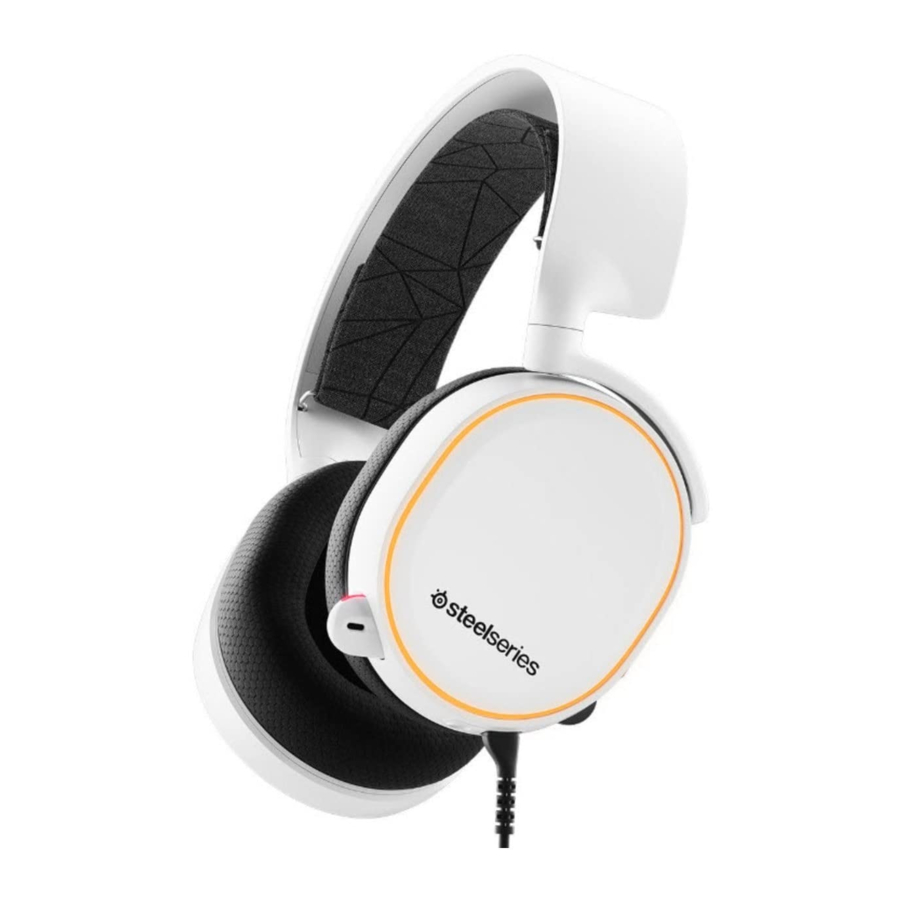
Arctis 5 Gamingheadset
STEELSERIES ENGINE

Om te genieten van DTS Headphone: X v2.0, GameSense-integratie en aangepaste lichteffecten op je nieuwe Arctis 5-headset, download je SteelSeries Engine op steelseries.com/engine
INHOUD VAN DE VERPAKKING
- Productinformatiegids
- Headset
- Hoofdkabel (1,2 m)
- USB ChatMix-draaiknop
- 4-polige 3,5mm-adapter
ENGINE-VEREISTEN
Platformen:
- Windows 7 +
- Mac OS X 10.8 +
120 MB vrije ruimte op de harde schijf voor installatie
SYSTEEMCOMPATIBILITEIT
PC / MAC
DTS Headphone: X v2.0 Surround is alleen beschikbaar in Windows. Software-installatie vereist.
PRODUCTOVERZICHT
*geselecteerde accessoires zijn beschikbaar op steelseries.com

- Hoofdband voor skibril *
- Hoofdkabel headset*
- 4-polige 3,5 mm-adapter*
- Airweave-oorkussen*
- USB Chatmix-draaiknop
- Intrekbare microfoon

- Microfoon-mute-knop
- Volumeregelaar
- Hoofdkabelaansluiting
- Aansluiting voor het delen van een hoofdtelefoon
INSTALLATIE

MICROFOON

Plaats de microfoon dicht bij je mondhoek, met het platte oppervlak naar je toe gericht.
HOOFDBAND VOOR SKIBRIL

Accessoire-hoofdbanden zijn beschikbaar op steelseries.com
SYSTEEMINSTELLING: WINDOWS

- Ga naar Geluidsinstellingen
- Markeer onder 'Afspelen' Arctis 5 Game Audio en selecteer 'Als standaard instellen'
- Markeer onder 'Opnemen' Arctis 5 Chat en selecteer 'Als standaard instellen'
- Selecteer in je VoIP-toepassing (chat) Arctis 5 Chat Audio als het standaard audioapparaat
SYSTEEMINSTELLING: MAC

- Ga naar Systeemvoorkeuren> Geluid
- Selecteer Arctis 5 Game Audio onder 'Uitvoer'
- Selecteer Arctis 5 Chat onder 'Invoer'
- Selecteer in je VoIP-toepassing (chat) Arctis 5 Chat Audio als het standaard audioapparaat
Referenties

Download handleiding
Hier kunt u de volledige pdf-versie van de handleiding downloaden. Deze kan aanvullende veiligheidsinstructies, garantie-informatie, FCC-regels, enz. bevatten.
Download SteelSeries ARCTIS 5 Handleiding


