Dell OPTIPLEX 3020 D15M, D08S Snelstartgids
- 1 Sluit het toetsenbord en de muis aan
- 2 Sluit de netwerkkabel aan (optioneel)
- 3 Sluit het scherm aan
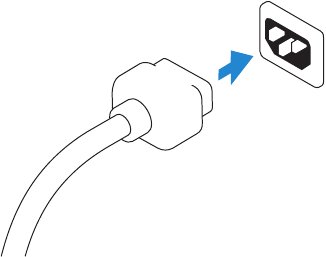
- 4 Sluit de stroomkabel aan op uw computer en het scherm
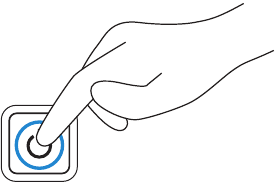
- 5 Schakel uw computer en scherm in
- 6 Voltooi de installatie van Windows
- 7 Functies
- 8 Verken bronnen
- 9 References
- 10 Download handleiding
- 11 In andere talen
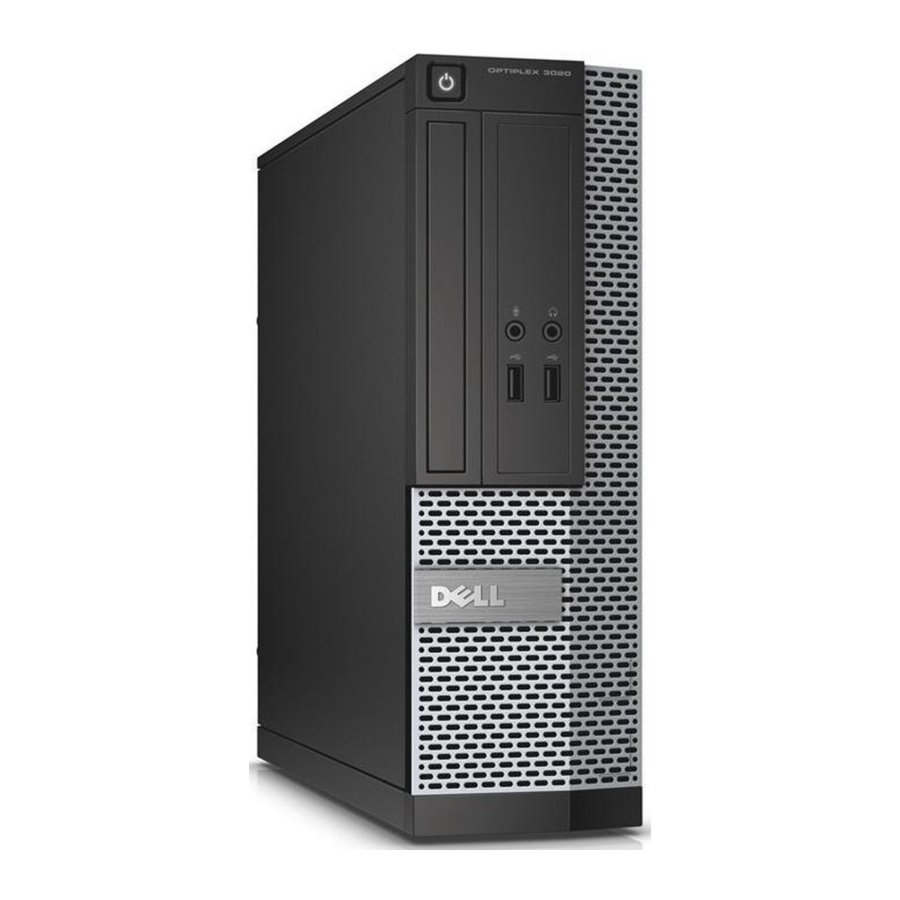
Sluit het toetsenbord en de muis aan
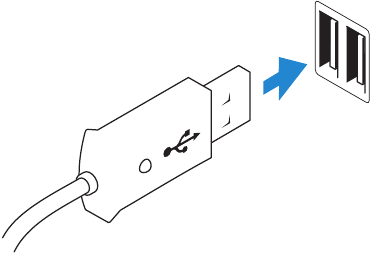
Sluit de netwerkkabel aan (optioneel)

Sluit het scherm aan
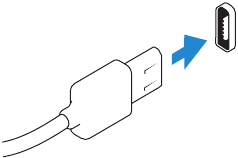
DisplayPort Connector
Or (Of)
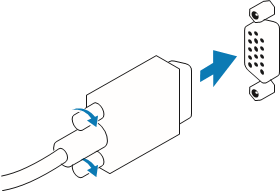
VGA Connector
 NOTE: If you ordered your computer with a discrete graphics card, connect the display to the discrete graphics card. (OPMERKING: Als u uw computer hebt besteld met een aparte grafische kaart, sluit u het scherm aan op de aparte grafische kaart.)
Sluit de stroomkabel aan op uw computer en het scherm
Schakel uw computer en scherm in
Voltooi de installatie van Windows
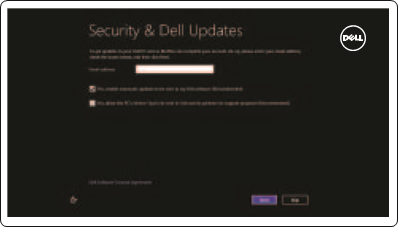
Enable security and updates (Beveiliging en updates inschakelen)
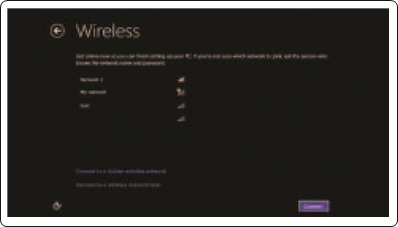
Connect to your network (Verbinding maken met uw netwerk)
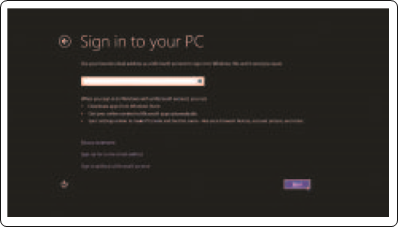
Log in to your Microsoft account or create a local account (Meld u aan bij uw Microsoft-account of maak een lokaal account aan)
Functies
 OptiPlex 3020 MT
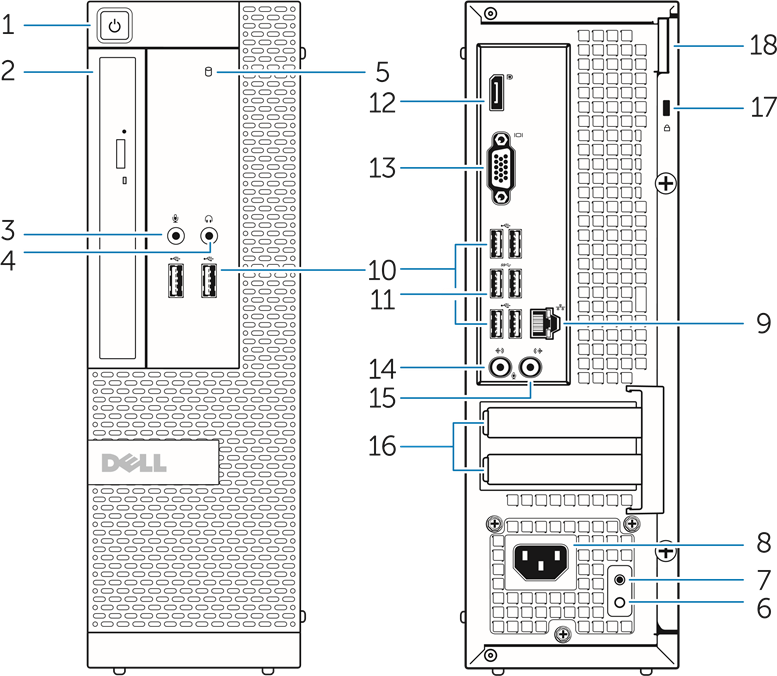
Optiplex 3020 SFF
- Power button/Power light (Aan/uit-knop/Aan/uit-lampje)
- Optical-drive/hard-drive bay (Optische-drive/harde-schijfcompartiment)
- Microphone connector (Microfoonaansluiting)
- Headphone connector (Koptelefoonaansluiting)
- Hard-drive activity light (Lampje activiteit harde schijf)
- Power-supply diagnostic light (Diagnostisch lampje voeding)
- Power-supply diagnostic button (Diagnostische knop voeding)
- Power cable connector (Stroomkabelaansluiting)
- Network connector (Netwerkaansluiting)
- USB 2.0 connector
- USB 3.0 connector
- DisplayPort connector
- VGA connector
- Line-in/microphone connector (Lijn-in/microfoonaansluiting)
- Line-out connector (Lijn-uit-aansluiting)
- Expansion card slots (Uitbreidingskaartsleuven)
- Security cable slot (Sleuf voor beveiligingskabel)
- Padlock ring (Hangslotring)
| Product support and manuals (Productondersteuning en handleidingen) | dell.com/support dell.com/support/manuals dell.com/windows8 |
| Contact Dell (Contact opnemen met Dell) | dell.com/contactdell |
| Regulatory and safety (Regelgeving en veiligheid) | dell.com/regulatory_compliance |
| Regulatory model and type (Regelgevingsmodel en -type) | D15M, D08S D15M001, D08S001 |
| Computer model (Computermodel) | Optiplex 3020 |
Verken bronnen

Help and Tips (Help en tips)

My Dell

Register your computer (Registreer uw computer)

References
Support | Dell US
Manuals | Dell US
Upgrade to the Windows 11 | Dell USA
Support | Dell US
Regulatory Compliance | Dell

Download handleiding
Hier kunt u de volledige pdf-versie van de handleiding downloaden. Deze kan aanvullende veiligheidsinstructies, garantie-informatie, FCC-regels, enz. bevatten.
Download Dell OPTIPLEX 3020 D15M, D08S Snelstartgids


